WPS Office APK offers an easy way to create, edit, and store documents
Dive into a world where productivity meets versatility at your fingertips with WPS Office APK for Android! This all-in-one office suite redefines mobile document handling, offering a suite of tools to view, edit, and collaborate with ease.
Top Recommended Alternative

Dive into a world where productivity meets versatility at your fingertips with WPS Office APK for Android! This all-in-one office suite redefines mobile document handling, offering a suite of tools to view, edit, and collaborate with ease.
WPS Office APK review
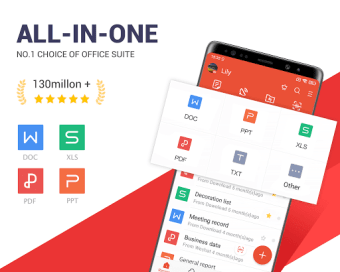
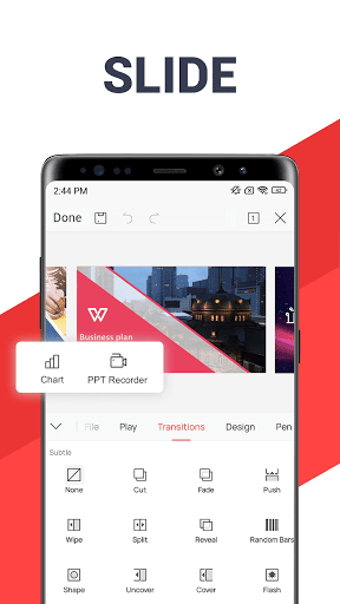
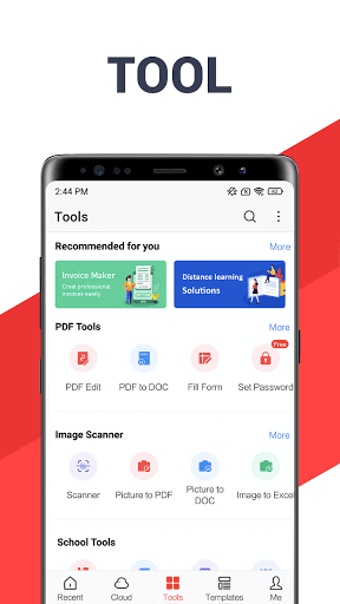
WPS Office APK offers a comprehensive set of tools - Writer, Spreadsheet, Presentation, and PDF - all packed into one intuitive interface. Seamlessly navigate through its features, facilitating effortless document creation, editing, and collaboration.
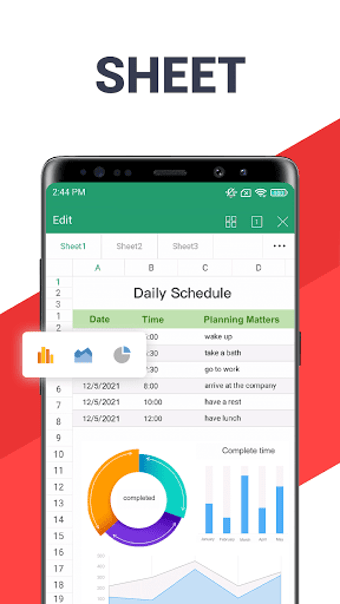
This office suite excels in handling large data sets with impressive responsiveness. While occasional technical hitches may surface, they don’t affect your experience.
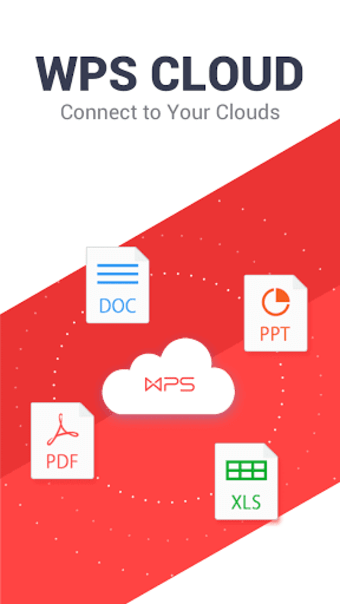
Sync files effortlessly across popular cloud platforms like Google Drive, Evernote, and OneDrive, expanding collaborative opportunities and document accessibility.
WPS Office APK boasts a user-friendly interface, ensuring easy navigation and heightened user satisfaction. Its intuitive design caters to both seasoned professionals and beginners.
What is WPS Office used for?
Imagine you're a student working on a group project. You need to compile research findings, create slides for a presentation, and organize data into spreadsheets. WPS Office allows you to do all this seamlessly within one app. You can collaborate with your group members, edit documents on your phone or laptop, and even convert your research into a professional-looking presentation, all without switching between different software.
For a professional, let's say you're working remotely and need to review and edit a report while traveling. With WPS Office, you can access and modify the document on your smartphone or tablet, sync it across devices using cloud storage, and seamlessly continue your work on a laptop later. The ability to handle documents, presentations, and spreadsheets in one app streamlines your workflow and ensures efficiency, no matter where you are.
WPS Office APK device requirements
Optimized for seamless operation on Android devices operating on version 10 and higher, ensuring enhanced functionality and performance across a wide range of compatible devices.
Is WPS Office free?
WPS Office both have free and premium plans. Here is what you get with the free plan:
- Includes Writer, Spreadsheet, Presentation, and PDF Editor
- Compatible with 47 common document formats
- Supports 13 languages on PC and 46 languages on mobile
What if you decide to pay? WPS Pro offers an expanded array of advantages beyond the features found in WPS Standard, including:
- All free features
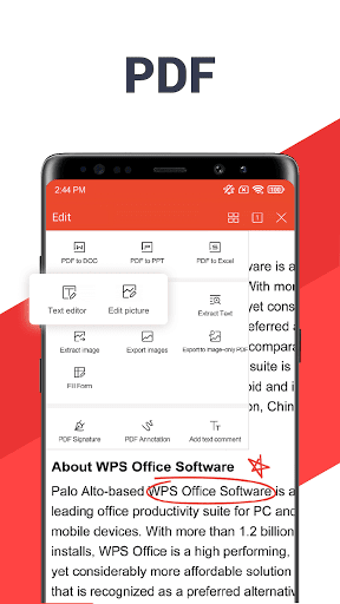
- Editing PDFs
- Converting file formats
- Utilizing one WPS Pro account across nine devices simultaneously (comprising three PCs and six mobiles)
- Ad-free experience
- Access to 20 GB of cloud storage
- Collaborative cloud functionality
Available in 46 languages and compatible with various platforms, including Android, WPS Office prioritizes accessibility for diverse user bases.
WPS Office alternatives
While WPS Office shines as a comprehensive mobile suite, several alternatives offer diverse functionalities, such as:
- Microsoft Office: Word Excel PowerPoint More APK
- Docs To Go Free Office Suite APK
- WPS Office (BETA) APK
- WPS Office APK
- Microsoft Excel APK
- Microsoft Word APK
What is the difference between WPS Office and Microsoft Office?
WPS Office and Microsoft Office offer comprehensive office suites, differing in accessibility and features. WPS Office, free with optional purchases, provides a user-friendly interface suitable for personal and small business use. In contrast, Microsoft Office, subscription-based, excels in professional settings with advanced features, extensive compatibility, and seamless OneDrive integration.
Both share tools like word processing and spreadsheets, but Microsoft's suite often handles intricate document structures better. The choice depends on individual needs: WPS Office for cost-effective everyday use and Microsoft Office for advanced functionalities and industry-standard compatibility in professional environments.
Elevate your mobile productivity with WPS Office APK
In the world of mobile productivity, WPS Office APK shines bright, offering a versatile suite of tools in an easily navigable interface. While occasional tech quirks exist, the app promptly resolves issues, ensuring an efficient overall experience.
Don't miss out! Elevate your document game—download WPS Office now! Seamlessly handle work, studies, or personal tasks with this all-in-one suite. Get WPS Office today and witness the fusion of productivity and convenience
















.png)